Prashant SinghSr. Motion Designer Specialist & AI Creative Technologist

Motion that makes complex software make sense.

Product films and interface motion for SaaS, plus enterprise-grade website design with Claude and Codex.

  • 5design awards
  • 7+years in B2B SaaS
  • 3product teams
  • 50+web tools built
Selected workSix pieces

My Motion Projects

Product films, feature launches and explainers for B2B SaaS teams, each built to make a complex feature easy to follow.

1:53 · Play

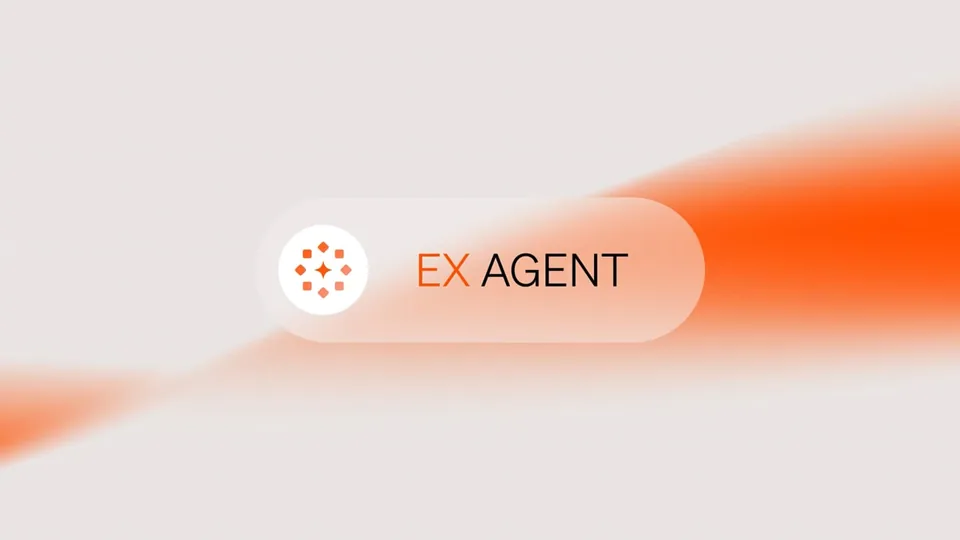
EX Agent Product Promo

Simpplr · AI feature launch

Recognised for Best Storytelling Motion2025
2:13 · Play

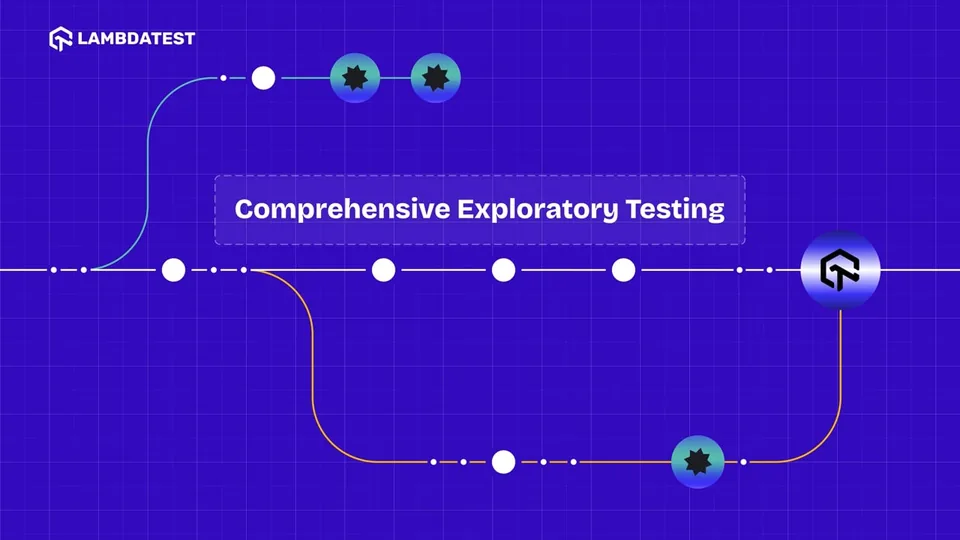
Test Case Management Product Demo

LambdaTest · Feature film

Recognised for Best Product Interaction Guide2024
1:06 · Play

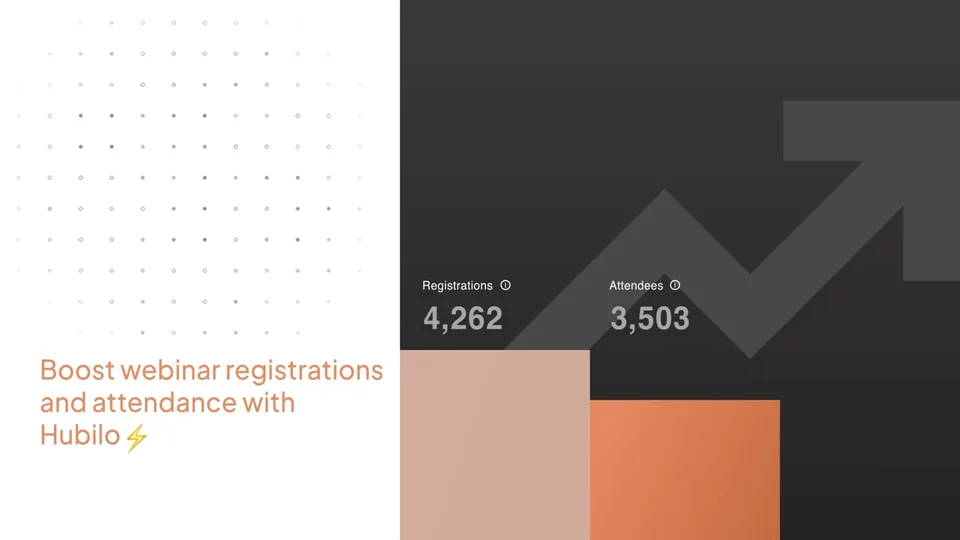
Generate Interest Feature Film

Hubilo · Feature film

Recognised for Most Engaging Video2024
1:39 · Play

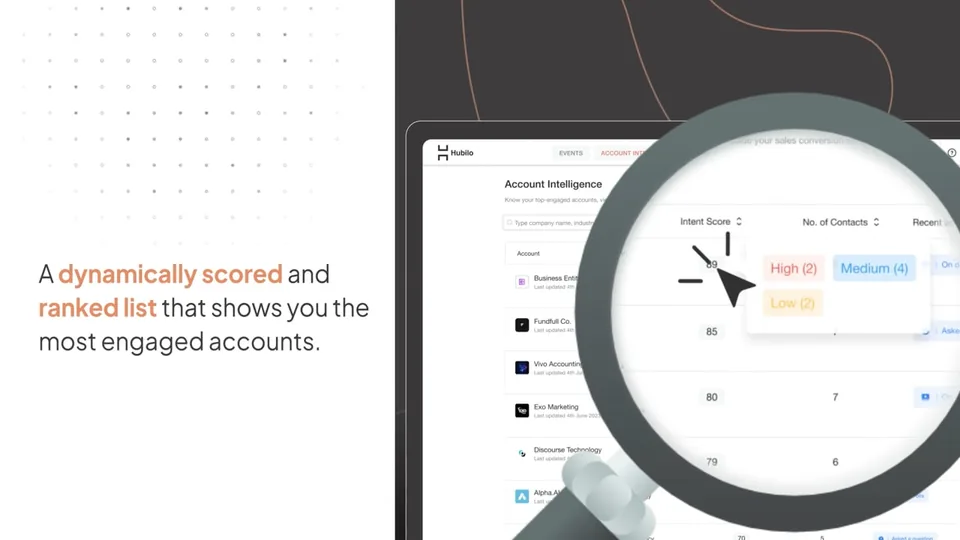
Account Intelligence Dashboard

Hubilo · Feature film

Recognised for Best Showcase of a Product Feature2024
2:18 · Play

New Year Wrap-Up Film

LambdaTest · Year in review

Recognised for Best Year-in-Review Film2024
2:09 · Play

Product Update Film

LambdaTest · Product update

Recognised for Best Product Update Film2024
See all motion videosMore films on Vimeo, including earlier template work
ToolsMade by me

Interactive Tools

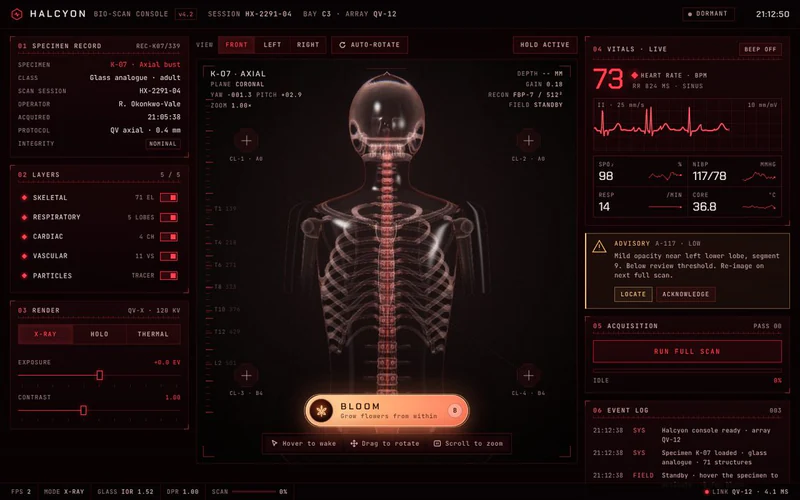
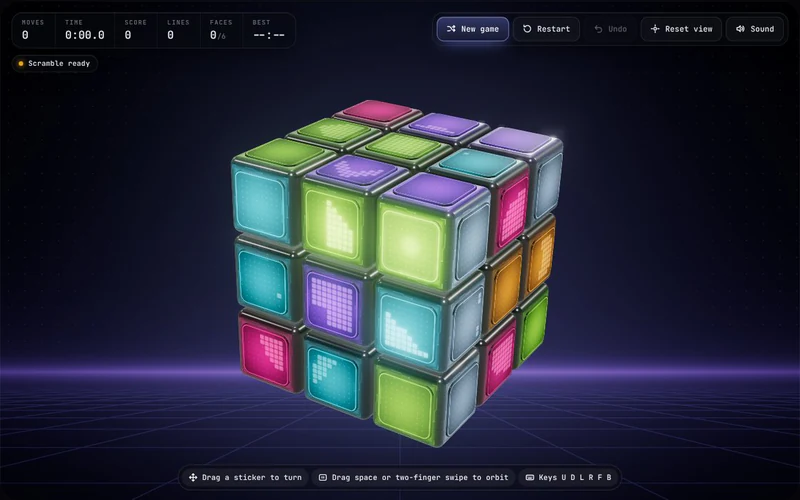
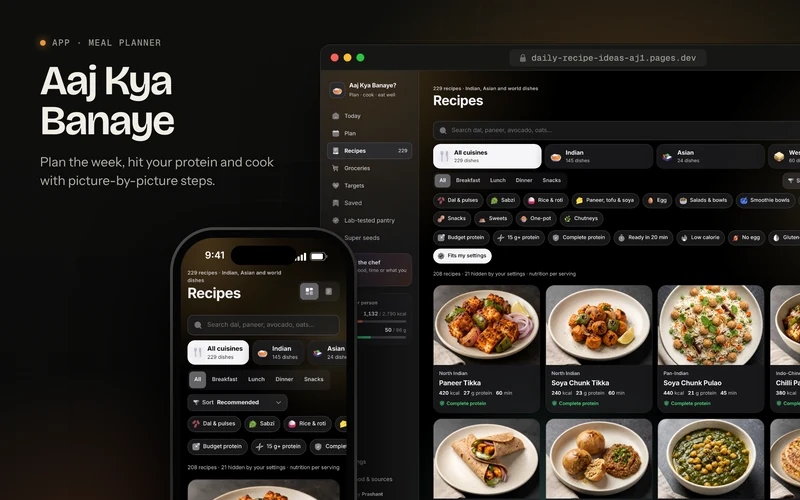
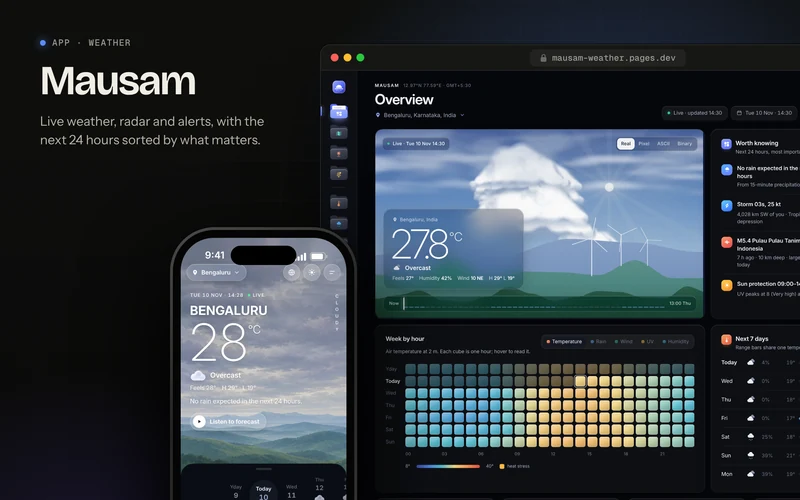
Playful web, micro-interactions and motion tools I made because they didn't exist. Each one was designed first, then built with AI.

Built with AI
Micro-interactions
SAGE#7C9A64BLUSH#F4DDE5
ProjectAtlas

Honey

Live · hover it

An amber glass folder that fans out.

Open Filebox Studies
Product Shots128 files5.8 GB · Exported 3 days ago
Motion Kit41 files3.4 GB · Lottie, Rive, After Effects
Campaign Assets86 files1.2 GB · Updated Tuesday
Vol. 03 · 2026

Brand
Library

214 files · Edited 2h ago38 logos · 12 fonts · 9 palettes

Spectrum

Live · hover it

Gradient folders that glow on hover.

Open Filebox Studies

Keycaps in Bloom

Live · hover to flip

Clay keycaps that flip on hover.

Open the Keycaps page

Move to catch their eyesMove to be watchedClick a cat to hear itTap a cat

Curious Cats

Live · sound on

Cats that follow your pointer and meow.

Open in Tactile Lab
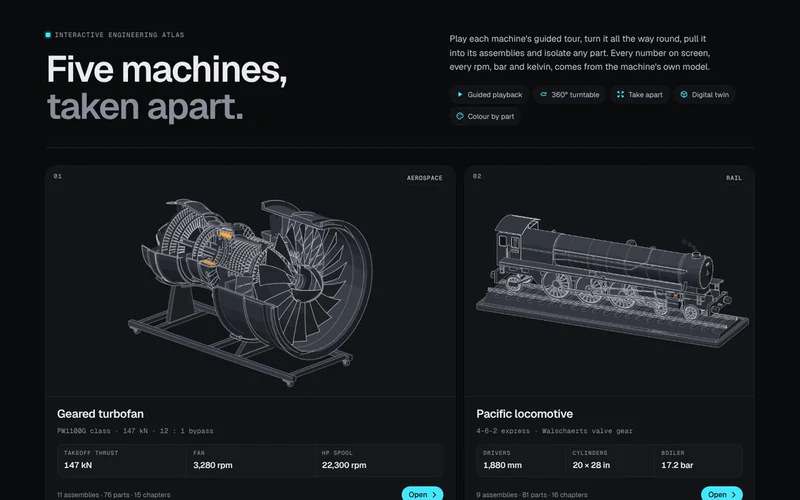
Mechanical Studio: a jet engine and a steam train drawn as line art on a dark page

Mechanical Studio

Atlas · take it apart

Take apart a jet engine, train, watch, car engine and windmill.

Take one apart
Chrome extensions · Free to download

Three Chrome extensions I built for my own work. Free for yours.

Small tools that make the web easier to read: find out which font a site uses, listen to an article, or have a complicated page explained. Download one, add it to Chrome in about a minute, and use it however you like.

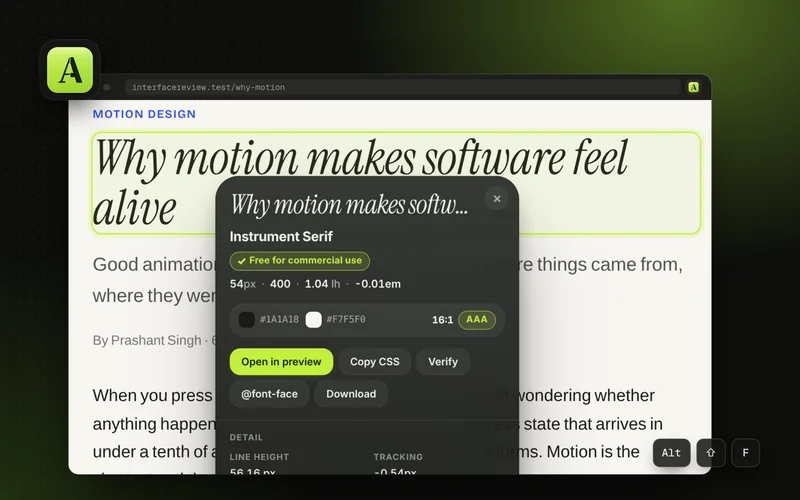
  • Font Detective on an article: hovering the headline shows a panel with the font name Instrument Serif, its size and weight, both colours with a 16 to 1 contrast ratio, and a Free for commercial use badge
    Typography

    Font Detective

    Chrome extension

    See which font any website uses. Hover any text to get the font, size, colours and contrast, whether it's free for commercial use, and what pairs well with it.

    • Hover any text to inspect it
    • Licence check and free alternatives
    • Copy the CSS with one key

    Good to know: its Verify check borrows Chrome's debugger for about two seconds, so Chrome briefly shows a "debugging this browser" bar. That's expected.

    Download.zip · 96 KB v2.0Alt ⇧ F
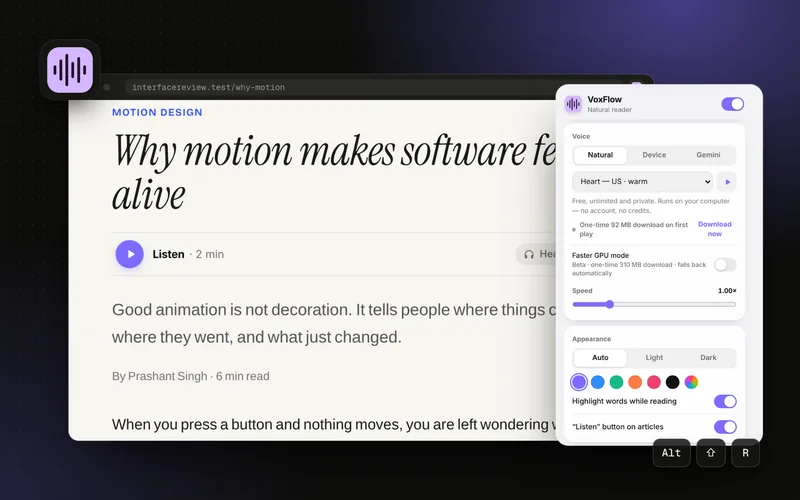
  • VoxFlow TTS on an article: a Listen, 2 minutes row under the headline, a play button beside a paragraph, and the VoxFlow settings with voice, speed and appearance
    Listening

    VoxFlow TTS

    Chrome extension

    Listen to any article in a natural voice. It's free and unlimited, runs on your own computer, and highlights each word as it reads.

    • 14 natural US and UK voices
    • A Listen button on every article
    • Works offline once it's set up

    Good to know: the first time you press play, it downloads its voice once (about 92 MB). After that it works offline, with no account and no limits.

    Download.zip · 5.8 MB v5.1Alt ⇧ R
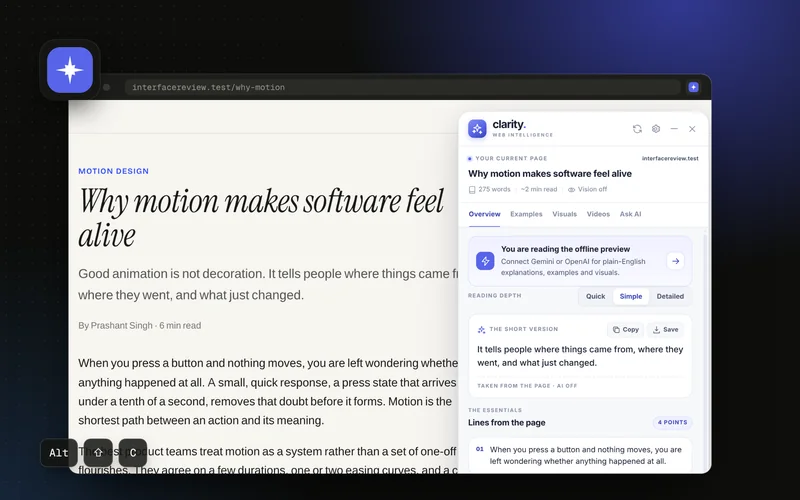
  • Clarity open beside an article: a floating panel with the page title, word count, tabs for Overview, Examples, Visuals, Videos and Ask AI, and the short version of the page
    Reading

    Clarity

    Chrome extension

    Make complicated pages simple. Get the short version in plain English, the key points, a real-life example, the charts explained, and answers to your questions about the page.

    • Summaries at three reading depths
    • Explains charts and diagrams
    • Ask questions about the page

    Good to know: for AI explanations, add your own Gemini or OpenAI API key in its settings. Without one, you get a simple offline preview.

    Download.zip · 67 KB v1.2Alt ⇧ C
How to install

Add one to Chrome in about a minute

These aren't on the Chrome Web Store, so you add them yourself in five steps. It works in Chrome on a computer, and Edge, Brave and Arc can load them the same way.

  1. Download and unzipUnzip the file and move the folder somewhere it can stay, like Documents. Chrome loads it from there each time it starts.
  2. Open the Extensions pageType chrome://extensions into the address bar and press Enter.
  3. Turn on Developer modeThe switch is in the top-right corner of the page.
  4. Click Load unpackedChoose the folder you unzipped: the one with manifest.json inside it.
  5. Pin it and try itClick the puzzle-piece icon next to the address bar and pin the extension, so it's always one click away.

When Chrome starts, it may ask you to turn off developer-mode extensions. That's normal for extensions added this way, so just close the message. To update one later, replace its folder with the new version and press the reload arrow on its card in chrome://extensions.

How I make videosSix steps, script to export

Video process

How a product video or motion film gets made. I design the film first, then animate it, and each step is agreed before the next begins, so changes stay cheap.

  1. Script

    Write the story first, one idea per line.

  2. Align

    Agree the goal and the audience before drawing.

  3. Explore

    Collect references and sketch fast, with AI for extra options.

  4. Design

    Design the key scenes in Figma.

  5. Animate

    Bring the approved scenes to life in After Effects.

  6. Finish

    Add sound, then export for every screen.

StoryFive beats

Video Storytelling

One clear path, with a reason for every scene.

  1. 01

    Hook

    Open on the result or the problem, straight away.

  2. 02

    Problem

    A situation they recognise, in real product screens.

  3. 03

    Product

    The product doing the job, one step at a time.

  4. 04

    Proof

    Real UI, a real result or a number.

  5. 05

    Next step

    End on one clear action.

Point of view

What I believe about motion, now.

  • I use motion to explain software faster than words can.

  • Accessibility comes first.

  • If an animation doesn’t answer a question, I cut it.

AboutBengaluru, India

Based in Bengaluru, working with teams anywhere.

I'm Prashant. I trained at the National Institute of Design, have spent seven years in B2B SaaS, and most recently ran motion end to end at Simpplr. Lately I build the tools as much as I use them.

  • 7+years in B2B SaaS
  • 3product teams
  • 50+web tools built
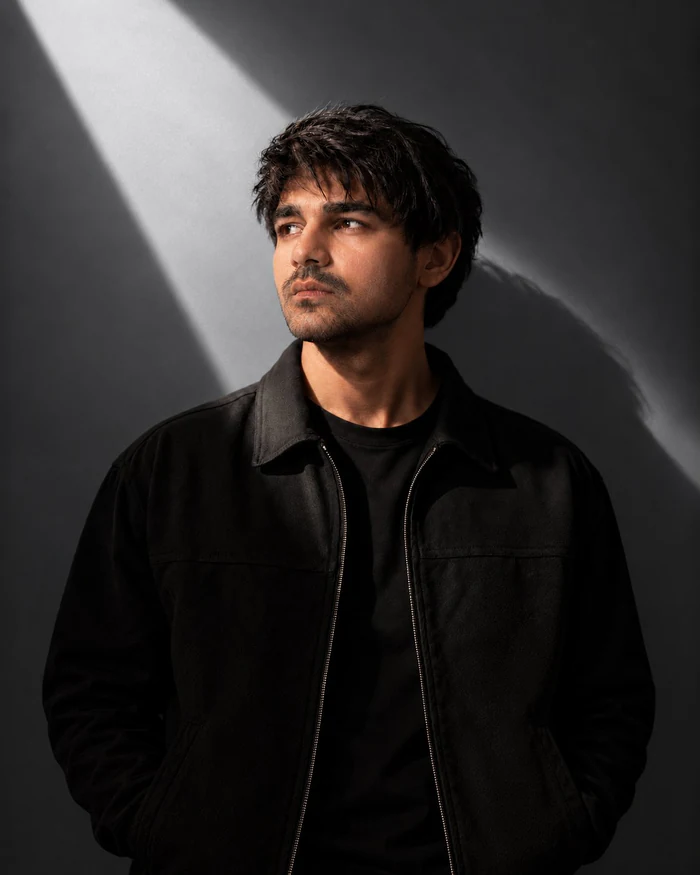
Prashant Singh in a black jacket, looking off to one side in a beam of light Available for roles Move over me

Skills

2 areas
  • Motion designProduct films, launches and interface motion for SaaS7+ years
  • Enterprise-grade website designWebsites and web tools built with Claude and CodexClaude + Codex
After EffectsPremiere ProPhotoshopIllustratorFigmaRiveLottieSplineCinema 4DCavalryClaudeCodex

Experience

4 roles
  • SimpplrSenior Motion Designer, Specialist & InteractionJun 2025 – Aug 2026
  • LambdaTestSenior Motion Designer & InteractionFeb 2023 – Jun 2025
  • HubiloMotion Designer & InteractionFeb 2020 – Mar 2023
  • EnvatoMotion Graphic Designer, freelanceJun 2018 – Feb 2020

Education

3 schools
  • R.D. National CollegeBachelor of Commerce (BCom), Mumbai
  • National Institute of DesignMotion Design & Communication2018 – 2020
  • School of MotionAdvanced Motion Design & Interaction2021 – 2023
Awards and CertificationDesign School

Awards for design and motion.

Awards and certification in motion design, visual design, graphic design and app interaction animation, from the National Institute of Design.

Available for roles

Let’s collaborate.

Have something that needs explaining? Tell me about it.

[email protected]
Motion Eyebrow · Built by Prashant Singh in Bengaluru, with Claude. 2026. Bengaluru, India · IST (UTC+5:30) Back to top
2026 showreel · 2:57 · 1080p
Watch on Vimeo